
Experience Centre / TraceGuard
Achook TraceGuard — interactive demo
 Quality / PlannerTrace a batch: the genealogy mapSimulated environment · sample data
Step 1 of 6
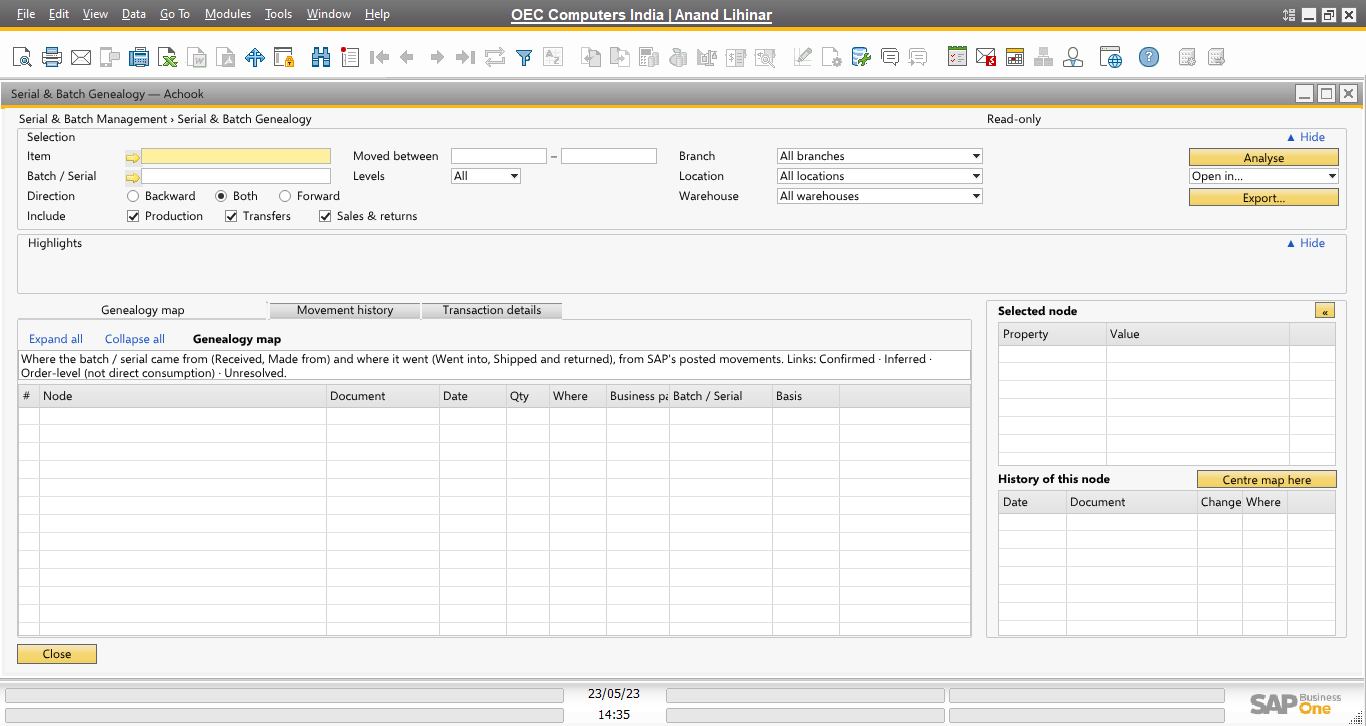
Serial & Batch Genealogy
Enter an item and a batch or serial number. Direction Both follows it backward and forward; production, transfers and sales are all included.
Everything comes from SAP’s posted movements — drafts and orders move no stock.
Step 1 of 6
Serial & Batch Genealogy
Enter an item and a batch or serial number. Direction Both follows it backward and forward; production, transfers and sales are all included.
Everything comes from SAP’s posted movements — drafts and orders move no stock.
Step 1 of 6← → steps · F full screen
Each window is drawn from the add-on’s own layout at a maximised SAP Business One window, with the add-on’s own texts, lanes and colour rules. Sample data in the demo company OEC Computers India; batch numbers are samples. Use Guided for a step-by-step tour, or Explore yourself to click through freely.